Friday, May 3, 2019

Mobile and Embedded Development with Qt

At times it was a bit painful juggling writing a book, doing my day job and running around doing the things that life throws. It's done and dusted now, you too can buy my book titled Hands-On Mobile and Embedded Development with Qt 5! It has a nice image of glacier ice on the cover, which I thought was appropriate for a technology founded in Norway and then continued in Finland.


https://www.packtpub.com/application-development/hands-mobile-and-embedded-development-qt-5

A big thanks to the co-founder of Trolltech, Eirik Chambe-Eng, who was gracious enough to write the forward at the last second. Tons of thanks to all the editors who also worked on this book.

One of the things I learned writing this book is that Qt is big. I already knew that, but now it's plainly apparent just how big it has grown. Not only are there major companies developing products with Qt, but it has a lot of different functionality and is not just about desktop widgets. There are a huge number of classes to cover.

You can check out the table of contents if you want to see what is covered and included. One area that I did not include is OpenGL ES. This is a huge topic and easily a book on it's own. It's something I would like to know more about, which is why I did not feel qualified to cover it. You need to know OpenGL Shader Language (GLSL), and I did not have the time to discover that to any real depth.

I hope that I covered topics that are relevant for mobile, embedded and IoT developers. From QtWidgets, QtQuick, QtSensors (of course) to In-app purchasing and building an embedded system with Qt Company's Boot To Qt and Yocto. I also explore Qt's newest platform - Qt for WebAssembly, which allows you to serve Qt applications from a web server to run in a web browser.


Enjoy!

Wednesday, November 22, 2017

Qt for WebAssembly update

The project Qt 5 emscripten that Intopalo (who are doing tons of amazing stuff with some awesome talent) started as research for a client, has moved git repos. The new main git repo has been moved to a branch in Qt proper! and a new name - Qt for WebAssembly.

git://code.qt.io/qt/qtbase.git in the 'wip/webassembly' branch, and can be downloaded here:
git clone -b wip/webassembly git://code.qt.io/qt/qtbase.git

which is also here at github:
https://github.com/qt/qtbase/tree/wip/webassembly

Along with the move comes expanded requirements, like targeting non QtWidgets based apps, including QtDeclarative.

As well, it now builds only for wasm and does not bother with the asmjs fallback, This means your web browser will need to specifically support wasm. Pure wasm builds in emscripten have performance optimizations that do not happen when also building the asmjs fallback.

That said....

*NOTE* Qt for WebAssembly is still very alpha and buggy! Some of which I will cover in the next blog post.

I have managed to conjole Qt Creator to use the emscripten built Qt for apps. Here are the steps to do so, if you are so inclined.

Build Qt for web assembly.

1) Download and build emsdk (you may also try to pre built binary version)

git the emsdk source repo:
git clone https://github.com/juj/emsdk.git
(to update: git pull; ./emsdk update-tags )

Follow these instructions to build emsdk:
http://kripken.github.io/emscripten-site/docs/getting_started/downloads.html#installation-instructions

I usually use 'incoming' instead of 'latest', as it has more recent features.

/path/to/emsdk install sdk-master-64bit binaryen-master-64bit

2) Download Qt for emsdk

git clone -b wip/webassembly https://code.qt.io/qt/qtbase.git

3) Build Qt

source /path/to/emsdk/emsdk_env.sh

$QT_DIR/configure -xplatform emscripten -confirm-license -opensource -nomake tests -nomake examples -developer-build -no-dbus -no-headersclean -release -no-thread  -no-feature-networkinterface

(non developer builds should work too)

4) Add emscripten compiler to Creator

  • Tools->Options->Build & Run -> Compilers->Add->Custom
  • add emcc as C, and emc++ as C++
  • 'emscripten' as Qt mkspecs.
  • ABI: x86, linux (or whatever platform you build on), unknown, elf, 64bit

5) Add emscripten built Qt

  • Tools->Options->Build & Run ->Qt Versions->Add
    • add the qmake from your emscripten Qt build.
6) Add emscripten kit

  • Tools->Options->Build & Run ->Kits->Add
    • add emcc and emc++ as Compilers
    • If you use cmake, you can also add to CMake configuration:
      • CMAKE_TOOLCHAIN_FILE=/path/to/emsdk/emscripten/incoming/cmake/Modules/Platform/Emscripten.cmake
7) Build your app
  • Use 'release' mode build, as 'debug' will result in a runtime error: "failed to asynchronously prepare wasm: CompileError: wasm validation error: at offset 14762: too many functions"
8) Run your app

  • add custom executable: Projects->(qt5-wasm) Run
    • specify /path/to/emsdk/emscripten/incoming/emrun
      • arguments: .html
        • I also use --browser firefox (I use nightly)
Hopefully some things will actually work! This is all still in the development phase. Your kilometerage will vary. 

Good luck! You can join the fun, we are in #qt-webassembly at https://qtmob.slack.com and on freenode.


Monday, June 5, 2017

Qt for web (assembly)

So ya, I have been doing work for the up and coming Finnish company Intopalo getting Qt5 for WebAssembly using emscripten up and running. This is the 3rd Finnish company I have done work for, and the 4th Nordic company (Trolltech, Nokia, Jolla, Intopalo)

This is very much a work in progress.

Background:

There was a Qt4 version, emscripten-qt and a related Qt5 for Native Client which do similar things, and we have taken inspiration from both these projects. Thanks!

The gist of it:

We use emscripten to cross compile Qt5 into javascript and/or webassembly. We use 'incoming' from emscripten's git repo. Details how to build emsdk are here.

My working Qt5 repo is here, (the wm branch contains multi window and window decorations) while there is also an outdated WIP gerrit MR  which will get updated at some point.

This is how I configure Qt for emscripten:
 . ~/emsdk/emsdk_env.sh (to get em compiler in path)

~/depot/qt/qt5/qtbase/configure -xplatform emscripten -confirm-license -opensource -nomake tests  -nomake examples -developer-build -no-dbus -no-thread

 (no-thread is a new feature I added for this, as threading in javascript is basically non existent)

and then, use that qmake to compile a Qt app!

To run the app, in the firefox browser
emrun --browser firefox path/to/app.html

This is all bleeding edge from the emscripten compiler to the web assembly support in the browser, so your mileage may vary.

With the 'wm' branch of my github repo, multi windows and window decorations are kind of working. As well as compiling into webassembly and not just javascript asmjs.
Compiling into wasm brings much smaller download sizes, but you need to have a browser that supports it.

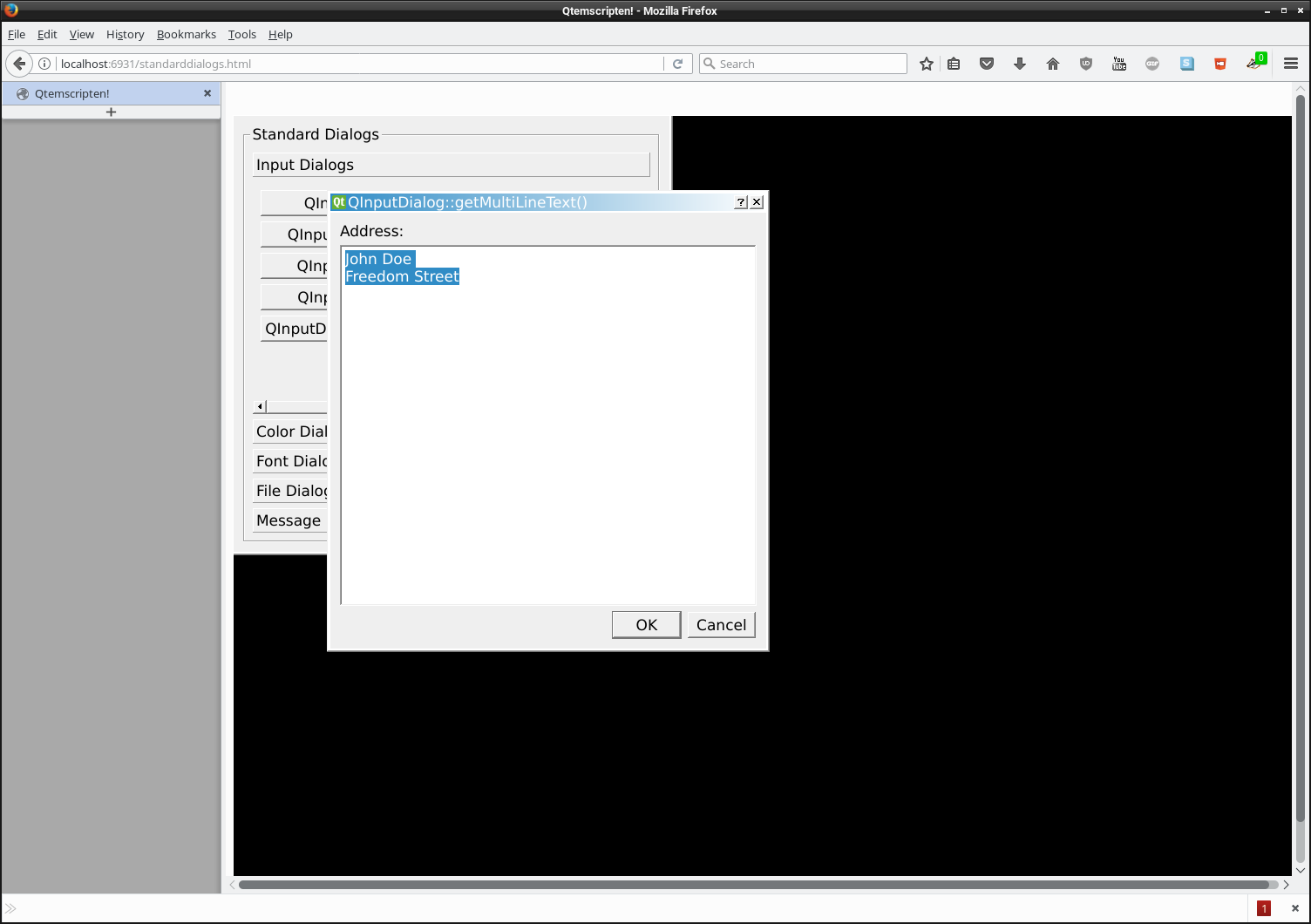
There is still heaps of work to do to bring it up to release state. So for now, it is still a research and WIP project, and a lot of things may or may not work. But it can run some Qt widget based apps in your (firefox) browser!

The future:

Currently there is no support for qml/qt quick. That just means we haven't tried it as our focus is currently on widgets and opengl.

Personally, I would like to see location and some sensor events, but that is for the future.

Friday, May 5, 2017

new QtSensor IoT plugins!

I've said it before and I will say it again... one thing I am tired of hearing about, is that people think Qt is only for UI applications.
WRONG!
Qt is great for IoT as well! even without a UI. (IoT is today's buzzword for 'embedded', which really isn't embedded, just small) and you cannot have IoT without sensors!

I just submitted a MR to QtSensors to add support for the SenseHAT sensor board for raspberry pi:

https://codereview.qt-project.org/#/c/193456
For raspberry pi, you will need RTIMULib installed on your rpi (and dev package to compile QtSensors). It's in the default repo, so you don't actually need to compile RTIMULib yourself.

Even though this is submitted for dev branch and should be available in Qt Sensors 5.10, this will compile and work for the Qt 5.3 that comes with the raspbian distribution.

As well, if my spare time allows, I will also get my Matrix Creator QtSensor plugin into shape to submit as well.

I also have planned getting the TI SensorTag code I wrote shoved into a QtSensor plugin. What's special about the SensorTag is that it has (buzzword alert) wireless sensors! This is a bit more tricky as it will use and be dependent on Qt's QLowEnergyService but will work nonetheless. This plugin doesn't run on the device, but requires a host machine which has bluetooth.

Saturday, January 7, 2017

Movin' on...

A year has gone by since I started work with Canonical. As it turns out, I must be on my way. Where to? Not real sure at this moment, there seems plenty of companies using Qt & QML these days. \0/

But saying that, I am open to suggestions. LinkedIn
 
Plenty of IoT and devices using sensors around. Heck, even Moto Z phone has some great uses for sensor gestures similar to what I wrote for QtSensors while I was at Nokia.

But a lack of companies that allow freelance or remote work. The last few years I have worked remotely doing work for Jolla and Canonical. Both fantastic companies to work for, which really have it together for working remotely.

I am still surprised that only a handful of companies regularly allow remote work. I do not miss the stuffy non window opening offices and the long daily commute, which sometimes means riding a motorcycle through hail! (I do not suggest this for anyone)

Of course, I am still maintainer for QtSensors, QtSystemInfo for the Qt Project, and Sensor Framework for Mer, and always dreaming up new ways to use sensors. Still keeping tabs on QtNetwork bearer classes.

Although I had to send back the Canonical devices, I still have Ubuntu on my Nexus 4. I still have my Jolla phones and tablet.

That said, I still have this blog here, and besides spending my time looking for a new programming gig, I am (always) preparing to release a new album. http://llornkcor.com
and always willing to work with anyone needing music/audio/soundtrack work.

Friday, December 9, 2016

sensorfw & Qt is not just UI framework! or Without sensors, there's no IoT

Like it says on the Intel IoT developer site, "Without sensors, there's no IoT".

Because I am the maintainer of QtSensors, I like to inquire about  people's use of sensors and if they use QtSensors. Over the years, I have heard quite often something like, 'Qt is thought of as a UI framework'. *sigh*
 
But Qt is more than just a UI framework and it's use is not dependent on widgets or declarative wizardry. It is used in quite a few middleware components without UI elements. One of those middleware frameworks is Sensor Framework.

Sensor framework is a daemon that uses a plugin system written using Qt for reading various sensors such as accelerometer or light sensors. It was originally developed by Nokia for Harmattan and ran on the N9. It was also used in MeeGo and later included in the Mer Project and on Jolla phones and the ill fated tablet. So it has been released onto a few commercial products.

We looked at it when I was working at Nokia on the project that I still cannot name, but we had decided we would come up with our own solution. Looking back, this was the wrong decision, we should have taken the already proven sensor framework and ran with that. Why? Because it existed and works.

I started maintaining it when I was a privateer (contractor) developer for Jolla. No one else had touched it for some time so I grabbed the few not yet merged bug fixes and added support for libhybris/android libhardware adaptors.

Sensor Framework has support for multiple clients with down sampling for different data rates. It uses dbus for control lines (to start and stop, etc) but sends data through a socket. It also has a working backend in QtSensors.

I noticed that Ubuntu's Unity does nothing to respond when I put this into "tablet mode". I have to manually open the virtual keyboard among other things.

So I thought I could use sensorfw on my Dell 2 in 1. It's one of those converged laptop/tablet devices. It has a few sensors - accelerometer, gyroscope, magnetometer, and lid sensors. One problem... sensorfw does not support lid sensors, or a few other sensors that are around today in IoT (which I will add a bit later). Lid "sensor" might be a bit of a misnomer, as they could be switches but I'd like to think it is more like a hal effect sensor that uses magnets. In any case there are event nodes to use.

First one I chose is to add the lid sensor - to detect when this machine is put into tablet mode, so the UI can better deal with it.

I also noticed that this kernel has support for iio sensor interface for the accel and gyro. Sensorfw only supports sysfs, evdev and hybris interfaces, so I also wanted to add support for that.

I worked on adding iio support first. Well... really just wrote a sensor adaptor plugin. My plugin supports accelerometer, gyroscope and magnetometer, which this device seems to have. I will expand this to support other sensors later, as well as clean it up a bit.

Thanks to QtSensors sensor framework backend, I can make a UI app change with the orientation and lid changes. Better yet, I can create a game that uses accelerometer data like a marble maze game. Or I can upload the data to one of those Node.js data visualization web apps.

And since sensor framework is opensource, others can as well.


Wednesday, August 3, 2016

snappy sensors

Sensors are an important part of IoT. Phones, robots and drones all have a slurry of sensors. Sensor chips are everywhere, doing all kinds of jobs to help and entertain us. Modern games and game consoles can thank sensors for some wonderfully active games.

Since I became involved with sensors and wrote QtSensorGestures as part of the QtSensors team at Nokia, sensors have only gotten cheaper and more prolific.

I used Ubuntu Server, snappy, a raspberry pi 3, and the senseHAT sensor board to create a senseHAT sensors snap. Of course, this currently only runs in devmode on raspberry pi3 (and pi2 as well) .

To future proof this, I wanted to get sensor data all the way up to QtSensors, for future QML access.

I now work at Canonical. Snappy is new and still in heavy development so I did run into a few issues. First up was QFactoryLoader which finds and loads plugins, was not looking in the correct spot. For some reason, it uses $SNAP/usr/bin as it's QT_PLUGIN_PATH. I got around this for now by using a wrapper script and setting QT_PLUGIN_PATH to $SNAP/usr/lib/arm-linux-gnueabihf/qt5/plugins

Second issue was that QSensorManager could not see it's configuration file in /etc/xdg/QtProject which is not accessible to a snap. So I used the wrapper script to set up  XDG_CONFIG_DIRS as $SNAP/etc/xdg

[NOTE] I just discovered there is a part named "qt5conf" that can be used to setup Qt's env vars by using the included command qt5-launch  to run your snap's commands.

Since there is no libhybris in Ubuntu Core, I had to decide what QtSensor backend to use. I could have used sensorfw, or maybe iio-sensor-proxy but RTIMULib already worked for senseHAT. It was easier to write a QtSensors plugin that used RTIMULib, as opposed to adding it into sensorfw. iio-sensor-proxy is more for laptop like machines and lacks many sensors.
RTIMULib uses a configuration file that needs to be in a writable area, to hold additional device specific calibration data. Luckily, one of it's functions takes a directory path to look in. Since I was creating the plugin, I made it use a new variable SENSEHAT_CONFIG_DIR so I could then set that up in the wrapper script.

This also runs in confinement without devmode, but involves a simple sensors snapd interface.
One of the issues I can already see with this is that there are a myriad ways of accessing the sensors. Different kernel interfaces - iio,  sysfs, evdev, different middleware - android SensorManager/hybris, libhardware/hybris, sensorfw and others either I cannot speak of or do not know about.

Once the snap goes through a review, it will live here https://code.launchpad.net/~snappy-hwe-team/snappy-hwe-snaps/+git/sensehat, but for now, there is working code is at my sensehat repo.

Next up to snapify, the Matrix Creator sensor array! Perhaps I can use my sensorfw snap or iio-sensor-proxy snap for that.